How HTML5 Games Work: A Plain-English Guide
No downloads, no installs, yet a full game runs in your browser tab. Here is what actually happens between clicking a link and making your first move.

Not long ago, playing a game on a website meant installing a plug-in and hoping it worked. Today you tap a link and a game simply appears. That change is thanks to a group of open web technologies usually called HTML5. This guide explains, without jargon, what those technologies are and how they work together.
The three building blocks
Every browser game is built from the same three ingredients as any website:
- HTML describes the structure of the page: the game area, the buttons and the text around it.
- CSS controls how things look: colours, layout and simple animations.
- JavaScript is the brain. It reads your input, updates the game state and decides what to draw next.
What makes a page a game is how much work the JavaScript does, and how quickly it can draw the results.
Drawing the picture: canvas and WebGL
Most action games draw onto a canvas, a blank rectangle that JavaScript can paint on pixel by pixel. Think of it as a whiteboard that is wiped and redrawn many times per second.
For more demanding visuals, such as the 3D mountain in our Ski Slalom, games can use WebGL. WebGL hands the drawing work to your device's graphics chip, which is designed to calculate thousands of shapes and lighting effects in parallel. That is how a browser can show smooth 3D scenes on an ordinary phone.
The game loop
At the heart of nearly every game is a short piece of code called the game loop. Roughly 60 times each second it does three things:
- Read input. Has a key been pressed, a finger moved or the mouse clicked?
- Update the world. Move the ball, check collisions, add points, light up targets.
- Draw the frame. Paint the new state onto the screen.
Browsers offer a special timer called requestAnimationFrame that runs the loop in step with your screen's refresh rate. It also pauses automatically when you switch tabs, which saves battery.
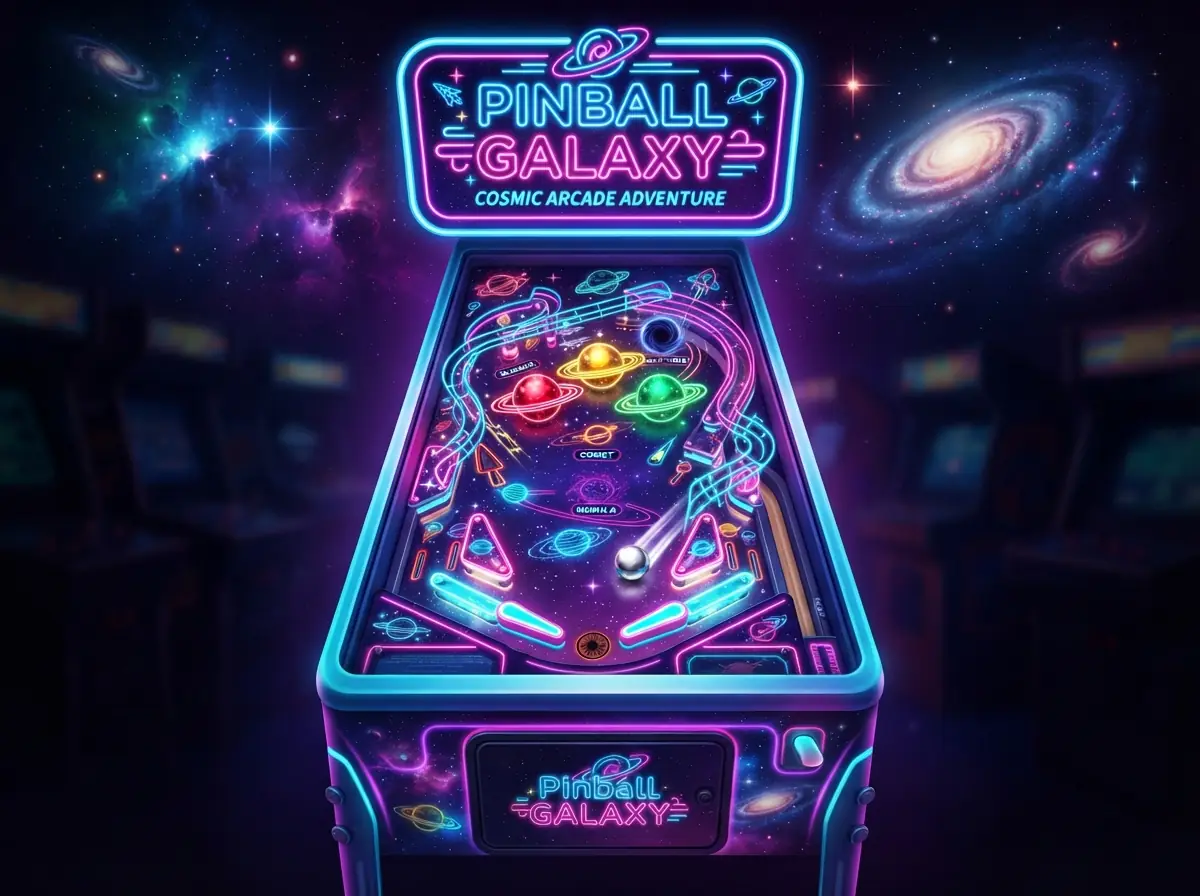
In a pinball table like Pinball Galaxy, the update step is where the physics lives: working out the new ball position, whether it touched a bumper or a flipper, and which direction it should bounce. Physics libraries such as Matter.js handle this maths, often running several small physics steps per frame so a fast ball never slips through a thin wall.
Loading only what is needed
A modern browser game is usually split into small files. The page you land on loads first, and the heavier game code downloads only when it is needed. That is why a game page can show its description and controls immediately while the play area is still getting ready.
Assets such as images and sounds are compressed and cached. After your first visit, much of the game can load straight from your device instead of the network.
Saving your progress
Browser games can remember your best score or unlocked levels using local storage, a small private area the browser keeps for each website. It stays on your device, which is why progress saved on your laptop does not appear on your phone.
Why it works on every device
Because HTML5 is a shared standard, the same game code runs on Chrome, Safari, Firefox and Edge, on Windows, macOS, Android and iOS. Developers still need to plan for differences, such as touch versus mouse and portrait versus landscape screens, but they no longer need to build a separate version for each platform.
Final thoughts
HTML5 games feel instant because the browser already contains everything needed to run them: a drawing surface, a fast JavaScript engine, access to the graphics chip and a place to store progress. The result is a game that is one link away, on whatever screen you have in your hand.