Chess Titans
Strategy
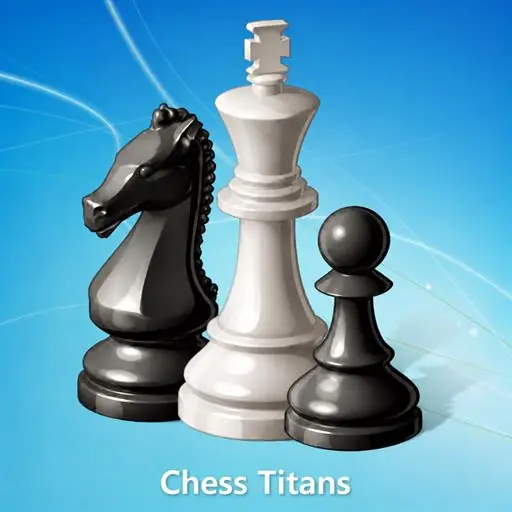
Play Chess Titans free online in your browser - the classic Windows 7 chess game, now playable in HTML5 with local and online multiplayer.
How to play- Category
- Strategy
- Platforms
- Desktop, tablet & mobile
- Controls
- Keyboard / mouse
- Touch
- Touch
- Added
- October 27, 2026
How to Play
- Press Play to load the game in this page.
- Use the keyboard, mouse or on-screen controls shown inside the game.
- On a phone or tablet, use the touch controls that appear in the game.
Controls
Desktop
- Keyboard / mouse
- Use the controls shown in the game
Mobile & Tablet
- Touch
- Use the on-screen buttons and gestures
Tips & Tricks
- Tip 1
Play in landscape for the largest view.
- Tip 2
Tap Fullscreen if you want the game to fill the screen.
- Tip 3
If the game feels slow, close other heavy browser tabs.
Game Objective
Mission
Play Chess Titans and try to beat your best score or finish the challenge.
About Chess Titans
Play Chess Titans free online in your browser - the classic Windows 7 chess game, now playable in HTML5 with local and online multiplayer. Play the classic Windows 7 Chess Titans game directly in your browser with immersive chess gameplay, local multiplayer, and online multiplayer. Chess Titans brings the classic chess experience from Windows 7 directly to your browser as a fully playable HTML5 game. Enjoy the familiar 3D-style chess experience, challenge your opponents, and play a classic game of strategy without needing to install the original Windows game. Whether you want to practice your chess skills against another player or enjoy a friendly match with someone else, Chess Titans supports both local multiplayer and online multiplayer. Play together on the same device for a traditional two-player experience, or challenge players through online multiplayer. Chess Titans keeps the focus on the timeless rules and strategy of chess while providing an accessible browser-based experience.
Plan your moves carefully, protect your king, control the board, and look for opportunities to capture your opponent's pieces. The HTML5 version is designed to work directly in modern web browsers, making it easy to enjoy this nostalgic Windows 7 classic on PC as well as touch-enabled mobile and tablet devices. Use your mouse to select and move pieces on PC, or tap the board on mobile and tablet devices. With no complicated controls to learn, you can start playing chess immediately. Relive the classic Windows 7 Chess Titans experience online and enjoy chess against friends or other players with local and online multiplayer support. ️