Mini Golf Adventure
SportsPopular

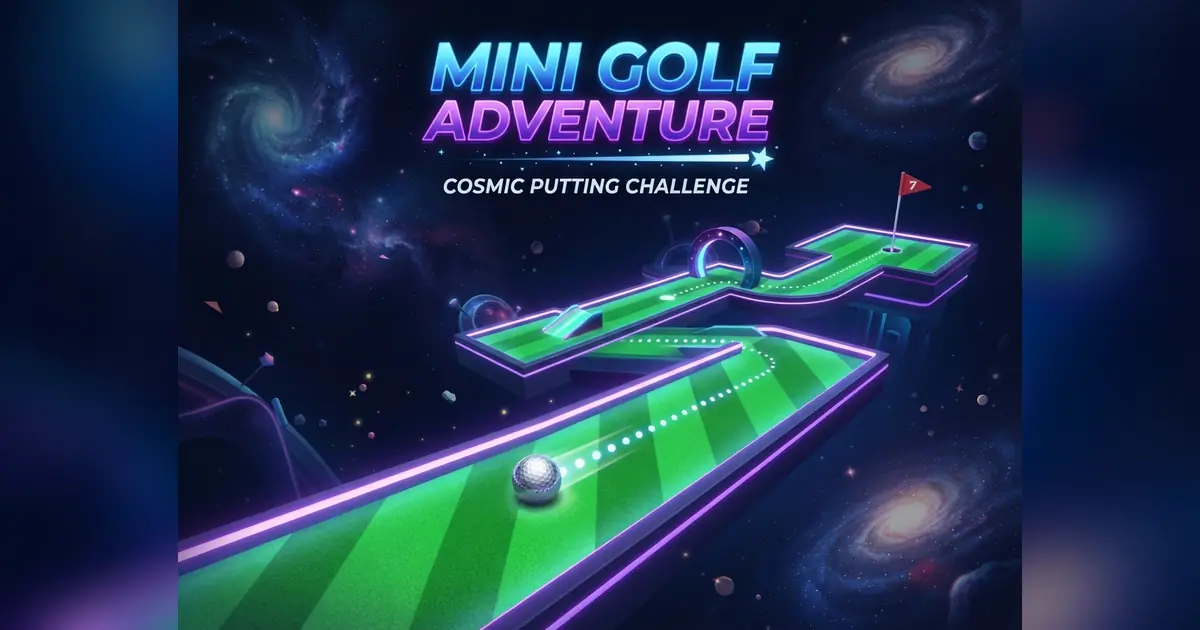
Nine cosmic holes with windmills, sand traps, water, portals and crosswinds. Sink it under par for three stars.
How to play- Category
- Sports
- Platforms
- Desktop, tablet & mobile
- Controls
- Drag back + release
- Touch
- Drag back from the ball
- Added
- September 29, 2026
How to Play
- Drag back from the ball like a slingshot. The direction sets the aim and the distance sets the power.
- Follow the dotted line to see how the ball will bounce.
- Release to putt and watch out for sand, water, moving obstacles and wind.
- Sink the ball in the hole to move on. Each hole allows up to ten strokes.
Controls
Desktop
- Drag back + release
- Aim and putt
- ← / →
- Aim
- Shift
- Fine aim
- Hold Space
- Charge power, release to putt
Mobile & Tablet
- Drag back from the ball
- Aim and set power
- Release
- Putt
Tips & Tricks
- Tip 1
Watch a windmill or piston for a full cycle before you putt, then time your shot.
- Tip 2
Use the prediction line to plan bank shots off walls when the direct route is blocked.
- Tip 3
Portals keep the ball's speed, so a softer putt into a portal often lands closer to the hole.
- Tip 4
In the wind, aim upwind of the hole and let the breeze bring the ball back.
Game Objective
Mission
Complete all nine holes in as few strokes as possible and collect three stars on each.
About Mini Golf Adventure
Mini Golf Adventure is a nine-hole course set among the stars. Each hole introduces something new: bank shots, sand that slows the ball, water hazards that cost a stroke, moving pistons, spinning windmills, portals that teleport the ball, and crosswinds that bend its path.
A dotted prediction line shows how your putt will bounce off the first walls, so every shot can be planned. Finish a hole at or under par to earn up to three stars, and try to complete the course in the fewest total strokes.
Frequently Asked Questions about Mini Golf Adventure
Is Mini Golf Adventure free to play online?
Yes, Mini Golf Adventure is completely free to play directly in your web browser on JumoraPlay. There are no downloads, subscriptions, paywalls, or registrations needed. Simply tap or click Play to start instantly.
How do I play and control Mini Golf Adventure?
On desktop computers, use your keyboard and mouse (Drag back + release to aim and putt, ← / → to aim, Shift to fine aim, Hold Space to charge power, release to putt). On touch devices like phones and tablets, use intuitive touch gestures (Drag back from the ball to aim and set power, Release to putt). Detailed instructions and controls are available in the How to Play section on this page.
Does Mini Golf Adventure save my high score and progress?
Yes, your achievements, high scores, and game milestones are automatically stored locally on your device via HTML5 local storage. You can pick up where you left off whenever you revisit using the same browser.
Can I play Mini Golf Adventure on mobile phones and tablets?
Yes. Mini Golf Adventure is built using modern HTML5 canvas and WebGL technology, making it fully responsive and playable across iOS, Android, macOS, and Windows devices without requiring any app installation.
What is the main objective in Mini Golf Adventure?
Complete all nine holes in as few strokes as possible and collect three stars on each.
What are the top strategies for succeeding in Mini Golf Adventure?
Watch a windmill or piston for a full cycle before you putt, then time your shot. Use the prediction line to plan bank shots off walls when the direct route is blocked. Portals keep the ball's speed, so a softer putt into a portal often lands closer to the hole. In the wind, aim upwind of the hole and let the breeze bring the ball back.


From the blog
All articles