
Potion Craft
Simulation
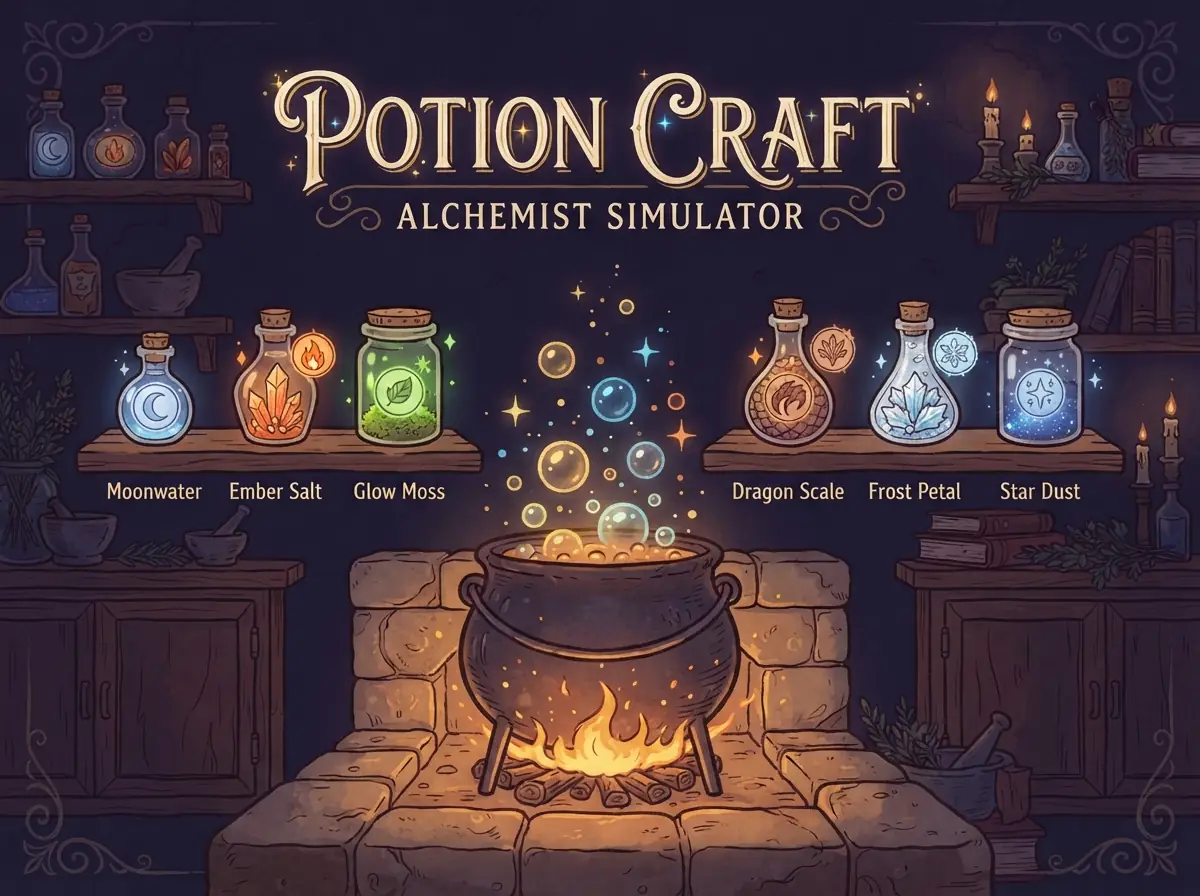
Combine ingredients in a bubbling cauldron to discover new potions and unlock rare recipes.
How to play- Category
- Simulation
- Platforms
- Desktop, tablet & mobile
- Controls
- Click a jar
- Touch
- Tap a jar
- Added
- September 28, 2026
How to Play
- Tap two jars on the shelf to add them to the cauldron slots.
- Tap a filled slot to take an ingredient back out.
- Press Brew to mix them. A correct recipe creates a new potion for your shelf.
- Open the book to read riddles hinting at undiscovered potions.
Controls
Desktop
- Click a jar
- Add it to the cauldron
- Click a slot
- Remove an ingredient
- Brew button
- Mix the ingredients
Mobile & Tablet
- Tap a jar
- Add it to the cauldron
- Tap Brew
- Mix the ingredients
Tips & Tricks
- Tip 1
Read the riddles in the recipe book; each one describes two ingredients.
- Tip 2
New potions are often ingredients for rarer ones, so try every new discovery with the basics.
- Tip 3
Think about how ingredients relate: fire and water, earth and air, light and shadow.
- Tip 4
Failed brews still cost a brew, so avoid random guessing late in the game.
Game Objective
Mission
Discover as many potions as you can within thirty brews.
About Potion Craft
Potion Craft puts you in charge of an alchemist's workshop. Start with a handful of basic ingredients, drop two into the cauldron, and brew. If the combination is a real recipe, a new potion appears on your shelf and can be used as an ingredient in later brews.
Some discoveries unlock rare and legendary potions that can only be made from other potions. The recipe book contains riddles that hint at combinations you haven't found yet. You have thirty brews, so experiment wisely.