
Traffic Control
Simulation
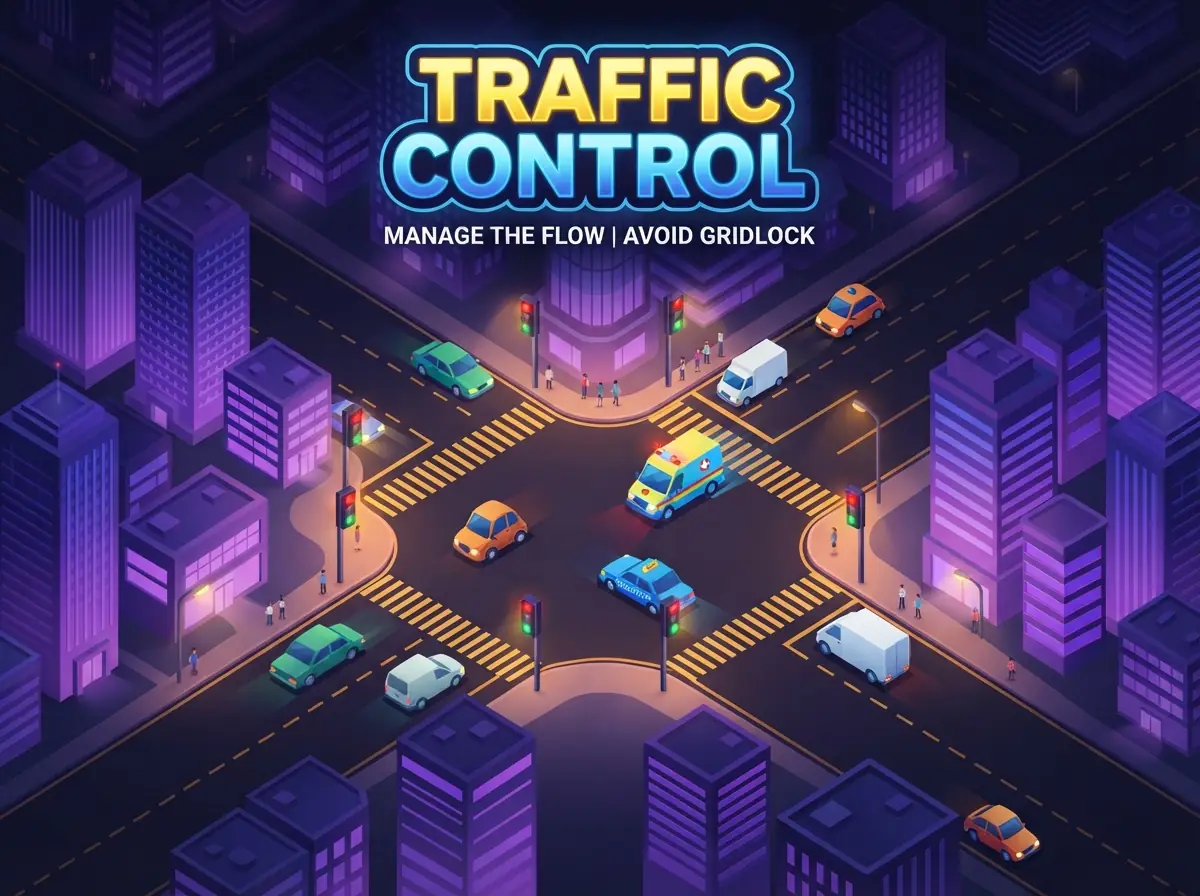
Switch the lights at two busy junctions, keep traffic flowing and never make an ambulance wait.
How to play- Category
- Simulation
- Platforms
- Desktop, tablet & mobile
- Controls
- Click a junction
- Touch
- Tap a junction
- Added
- September 25, 2026
How to Play
- Click or tap a junction to flip its lights between north–south and east–west.
- Wait for the junction box to clear before switching, or vehicles may collide.
- Give ambulances a green light quickly; each one kept waiting costs a life.
- A crash or a gridlocked lane also costs a life. The shift ends when all three are gone.
Controls
Desktop
- Click a junction
- Switch its lights
- 1 / 2
- Switch junction 1 or 2
Mobile & Tablet
- Tap a junction
- Switch its lights
Tips & Tricks
- Tip 1
Watch the queue lengths and give green to the longest line.
- Tip 2
Trucks are slow to clear the box; give them extra time before switching.
- Tip 3
Coordinate both junctions so a platoon of cars can pass straight through.
- Tip 4
Keep an eye out for flashing ambulances at the edges of the screen.
Game Objective
Mission
Get as many vehicles safely through the junctions as you can before losing three lives.
About Traffic Control
Traffic Control puts you in charge of two junctions on a busy city road. Cars, trucks and ambulances stream in from every direction. Each junction lets either north–south or east–west traffic through, and you decide when to switch.
Switch too early and cars already in the box can crash. Leave a lane waiting too long and it gridlocks. Ambulances have priority and must never be held at a red light for long. Traffic gets heavier the longer you last.